Introduction:
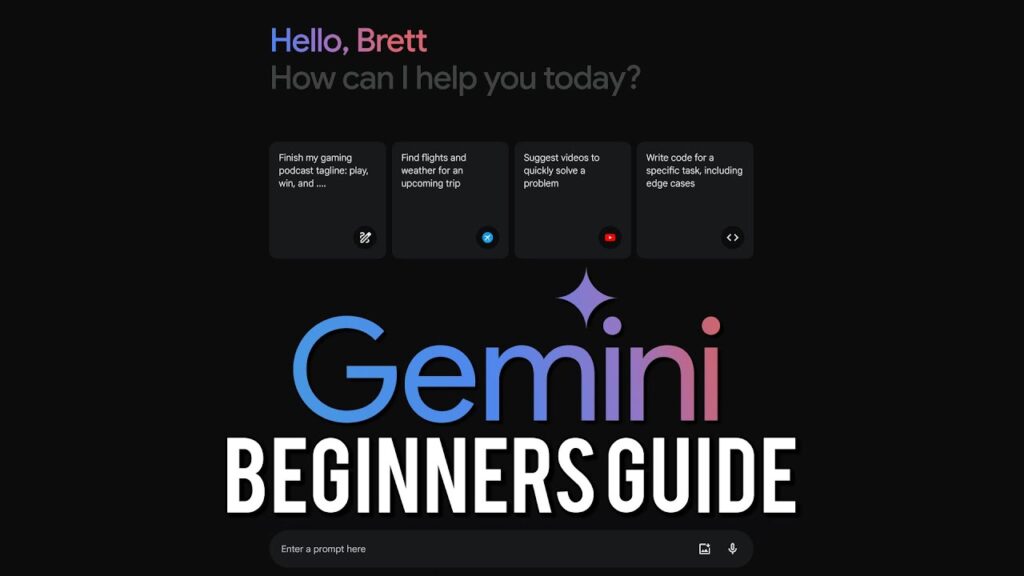
Artificial Intelligence is transforming how we live and work — and Google’s Gemini AI is at the forefront of this change. Whether you want to write faster, code smarter, or find answers instantly, Gemini AI makes it easier than ever.
In this detailed guide, you’ll learn how to use Gemini AI, what makes it powerful, and how you can apply it to everyday tasks for better results.
What is Gemini AI?
Gemini AI, developed by Google DeepMind, is an advanced AI model designed to assist users across multiple domains — from writing and research to coding and data analysis.
It combines the power of natural language understanding, image recognition, and real-time web access to deliver accurate and intelligent results. Think of it as your all-in-one AI assistant built directly into Google’s ecosystem.
Key Features of Gemini AI
- Generate or summarize written content
- Write and debug code in multiple languages
- Create slides, reports, and emails in Google Workspace
- Access real-time information through Google Search
- Understand images, charts, and visual data
- Brainstorm ideas and creative concepts instantly
How to Access Gemini AI
Getting started with Gemini AI is simple and doesn’t require any technical knowledge.
Step 1: Visit the Gemini Website
Go to gemini.google.com and sign in using your Google Account.
Step 2: Choose a Plan
You can start with the free version or subscribe to Gemini Advanced, part of the Google One AI Premium Plan, which unlocks Gemini 1.5 Pro and advanced reasoning features.
Step 3: Start Chatting
Type your question or task in the chat box. For example:
- “Write an Instagram caption for a travel blog.”
- “Explain the difference between blockchain and Bitcoin.”
- “Generate a Python code for a calculator.”
Gemini will generate instant responses based on your input.
Step 4: Use Gemini Inside Google Apps
Gemini integrates with tools you already use:
- Docs: Draft articles, blogs, and summaries.
- Sheets: Create tables, analyze data, or make formulas.
- Slides: Design presentations automatically.
- Gmail: Write professional and personalized emails.
You’ll find it under the ‘Help me write’ or ‘Help me organize’ option in each app.
How to Use Gemini AI Effectively
To get the most accurate and creative results, follow these pro tips:
1. Write Clear Prompts
Be specific about what you want.
✅ Example: “Write a 700-word SEO blog post about eco-friendly home decor.”
❌ Don’t say: “Write about home decor.”
2. Use Follow-Up Commands
You can refine results by saying:
- “Make it more professional.”
- “Add an introduction.”
- “Shorten it to 300 words.”
3. Enable Real-Time Information
Gemini can pull in current data from Google Search, making it more reliable for researching up-to-date topics.
4. Try Gemini for Coding
Developers can ask Gemini to write or debug code, explain programming concepts, or optimize algorithms.
5. Explore Gemini Mobile
On Android devices, Gemini replaces Google Assistant. Simply say “Hey Google” or swipe up from the corner to launch it.
Benefits of Using Gemini AI
- 🚀 Faster Workflow: Automate repetitive writing and research tasks.
- 📊 Smart Integration: Works seamlessly with Google Workspace.
- 💡 Creativity Boost: Generates ideas, outlines, and visuals.
- 🔍 Accurate Answers: Uses Google’s real-time data for better results.
- 💻 Cross-Platform: Works on desktop and mobile.
Final Thoughts
Google’s Gemini AI isn’t just another chatbot — it’s a powerful AI companion that helps you think, create, and work more efficiently.
From writing blog posts to generating code or planning presentations, Gemini AI saves you time and enhances productivity. The more you use it, the better it understands your workflow.
So, if you haven’t tried it yet, visit gemini.google.com today and experience how Gemini AI can simplify your life and elevate your work.